ZyptAI Word
Your SAP project memory, in the Word sidebar. Draft documents, fill templates, and generate diagrams without switching apps.
One platform surface. Shared project memory. Shared identity, governance, and audit.- FDD templateSection 4 · pricing logic
- The open documentHeadings and tables as context
- Project knowledgeWorkshops, decisions, BRDs
- Written from project records
- Cited to workshop 14 and BRD-07
- Consistent with existing sections
- Process flowOrder to cash, 3 approvals
- User storiesWith acceptance criteria
- Inserted in the document
- Every statement traceable
- Never leaves your tenant
Functional designs, written for you
Open a functional design document or process design template. Select a section and click Fill: the AI reads your project memory and writes the content. Your team edits instead of authoring.
Ask without leaving Word
Stuck on what the agreed cutover approach was? Type the question in the sidebar. Get a cited answer from your project documents without opening a browser or asking a colleague.
Describe a process. Get a diagram.
Type "Purchase to Pay process with three approval steps". The add-in generates a professional Lucid flowchart and inserts it directly into your Word document.
Bullet points → user stories
Paste rough notes from a workshop. Click Generate and receive properly formatted user stories with acceptance criteria, ready for review in Jira or your test tool.
Understands your structure
The add-in reads the document you have open — headings, tables, existing content — and uses it as context when generating new sections, preventing duplication and contradictions.
Zero data egress
Your document content and project memory stay in your Azure tenant, and the AI runs on your own Azure OpenAI deployment. No Microsoft 365 Copilot license required.
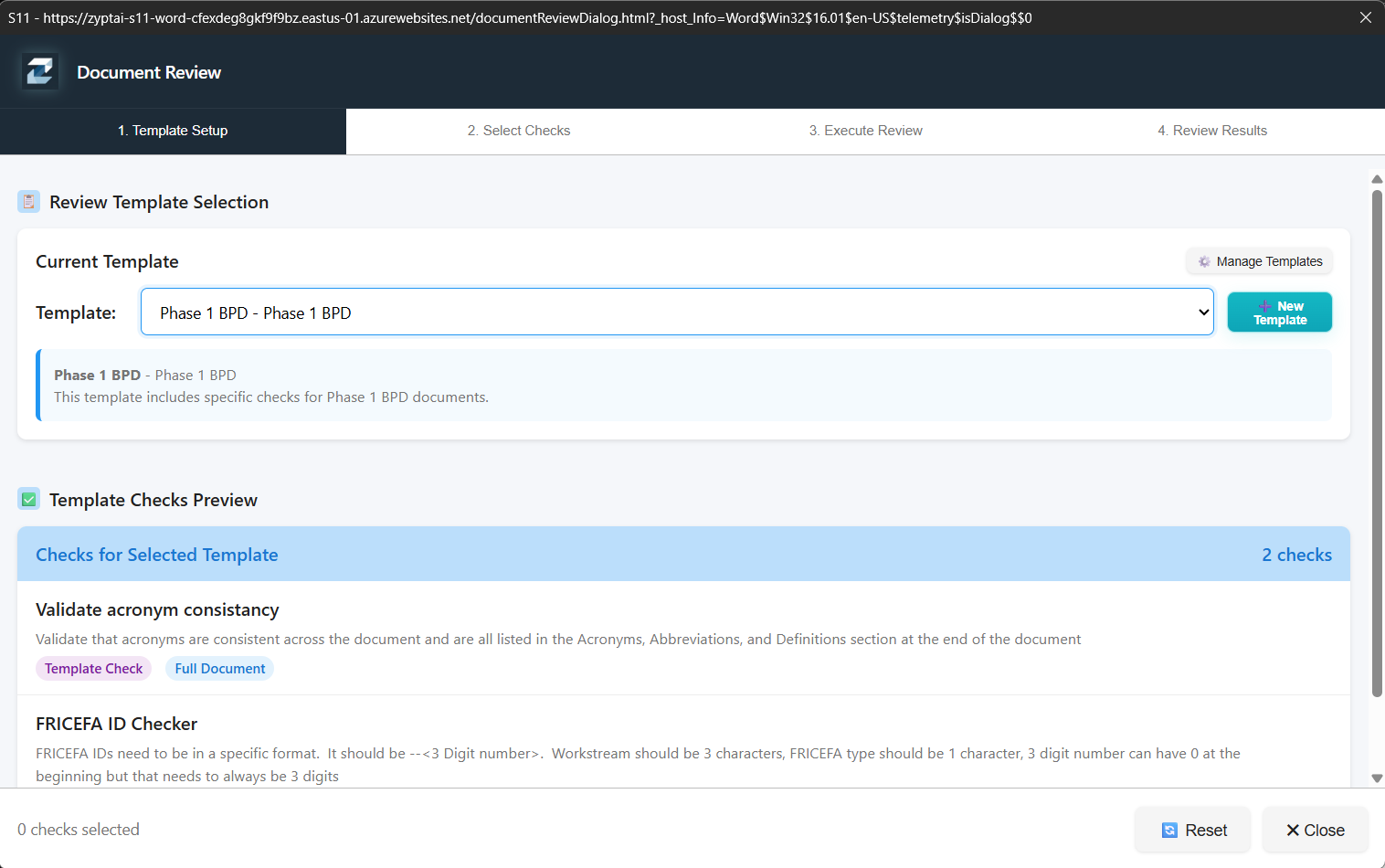
Run structured checks before sign-off
Use review templates to validate SAP delivery documents against defined checks before they go out for approval, without leaving the Word add-in.
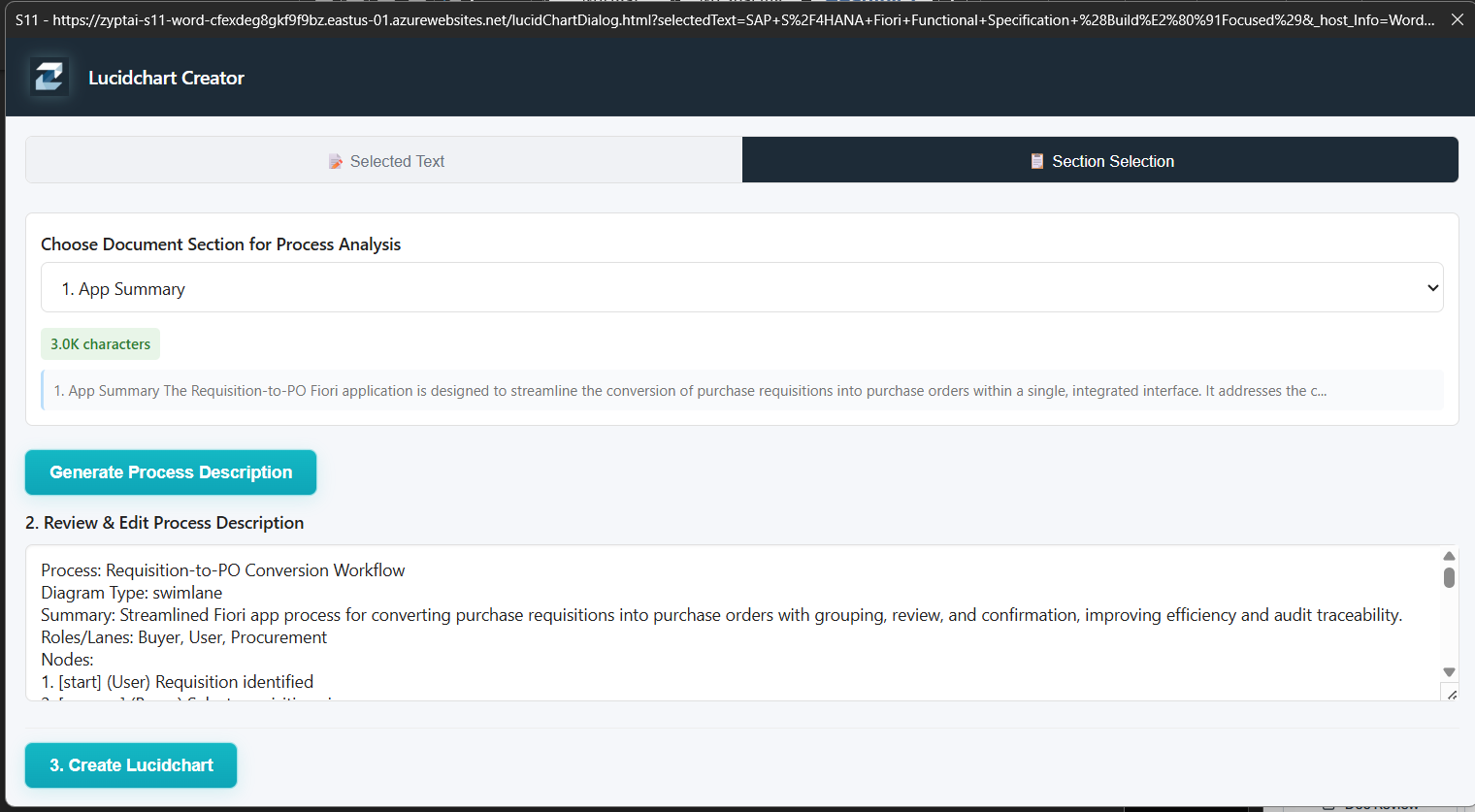
Section to swimlane in seconds
Select a document section, generate a process description, and create a Lucidchart swimlane diagram — all without leaving the Word add-in.
Why not the alternatives?
Other tools exist. None were built for SAP teams inside Azure.
Strong general drafting in Word, but no SAP project context, and an additional $30/user/month Copilot license.
Copy-paste workflow breaks focus. No access to your project documents. Responses have no grounding in your actual project decisions.
Consultants spend 60-70% of their time on documentation. Standard templates take hours to fill from scratch for each engagement.
Useful for search and summaries, but not built to fill SAP delivery templates or generate process diagrams from project memory.
Project-aware template filling, in-document Q&A with citations, and Lucid diagram generation from the Word sidebar, grounded in the same shared project memory as the rest of the platform.